
Download Keywords Generator – SEO, Productivity, Utility Tool
Overview
Keywords Generator is a mobile application designed to simplify the often complex task of selecting high-impact keywords for website content. By analyzing the text within documents, the app identifies relevant terms and phrases that can enhance search engine visibility. This utility serves as a digital assistant for SEO professionals, content creators, and website owners aiming to improve their online presence through strategic keyword selection. The app targets users who regularly manage web content and seek to optimize their digital marketing efforts without extensive technical knowledge.
It addresses a common challenge in digital marketing: the time-consuming and often inaccurate process of manually identifying effective keywords. By automating this analysis, Keywords Generator streamlines content optimization, allowing users to focus on creative and strategic aspects of their work. Real-world use cases include optimizing blog posts, product descriptions, and landing pages for better search engine rankings. The app fits within the broader ecosystem of SEO tools, offering a lightweight, mobile-first solution for on-the-go content refinement.
Although the developer did not provide additional technical details about their background, the app has been available since 2012, indicating a long-standing presence in the productivity and SEO space. Its continued relevance suggests a stable and reliable tool for users seeking consistent keyword recommendations. The app’s purpose is clear: to transform a tedious task into an efficient, repeatable process, making it a valuable asset for anyone managing online content.
Key Features & Functionality
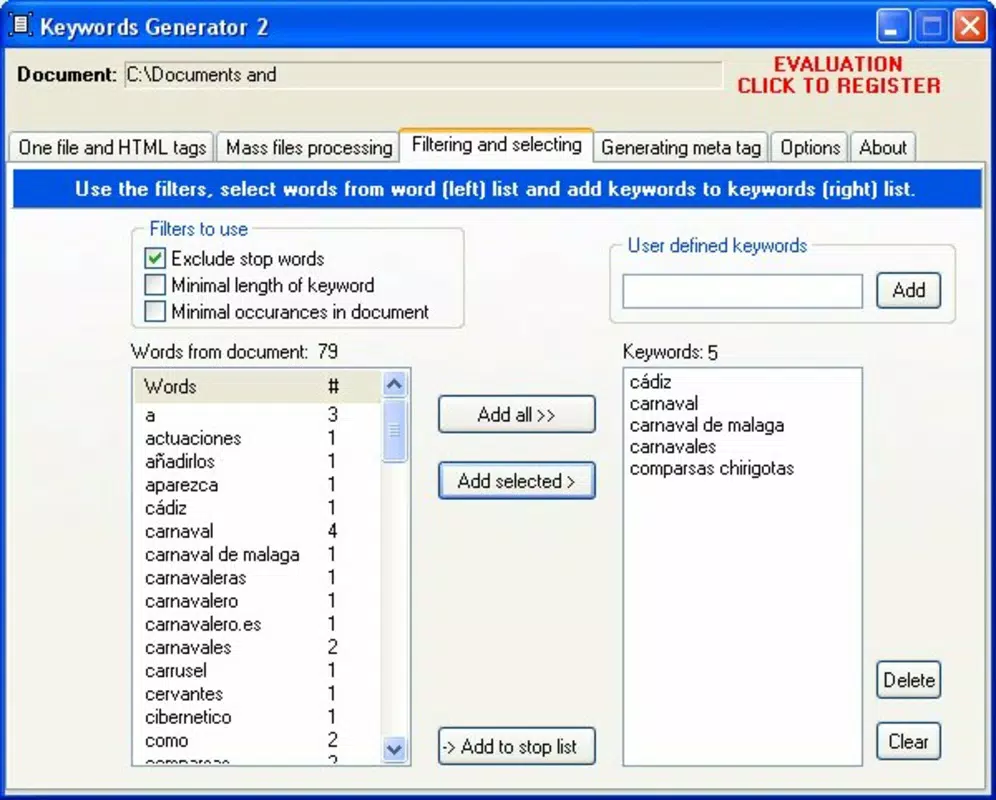
- Automatic Keyword Analysis: The app scans document content to extract keywords with strong SEO potential. By interpreting context and frequency, it suggests terms that align with search intent, helping users improve visibility in search engine results.
- User-Friendly Interface: Designed with accessibility in mind, the interface allows users to input text and receive keyword suggestions with minimal effort. The layout supports quick navigation, reducing the time required to complete optimization tasks.
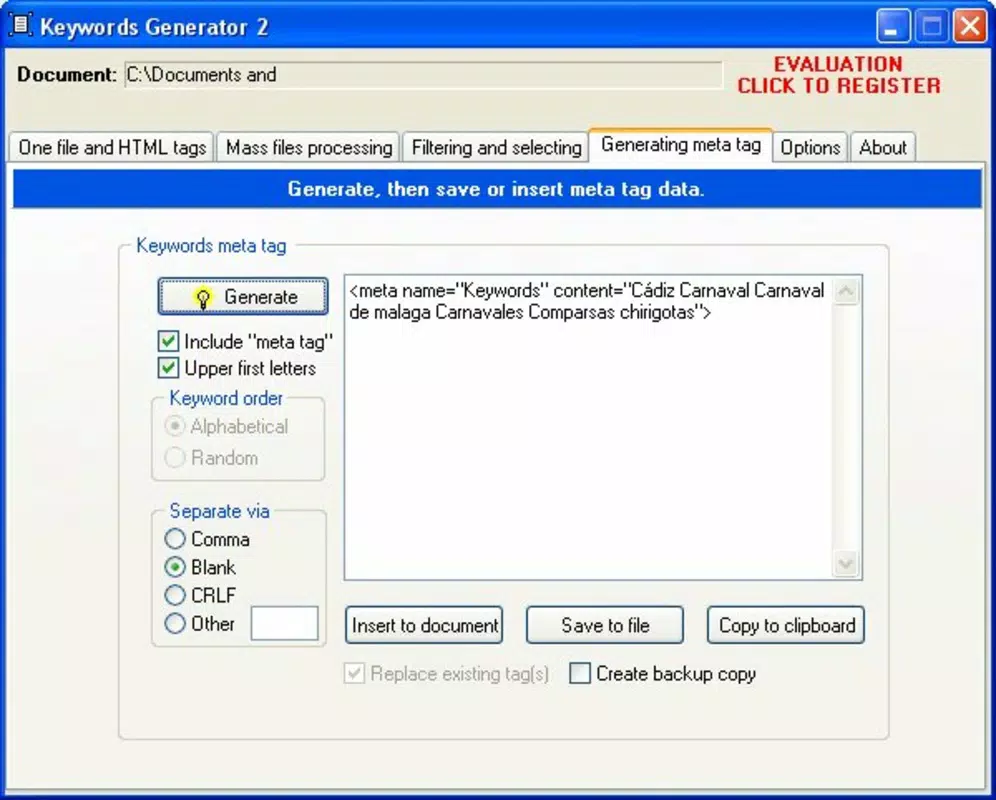
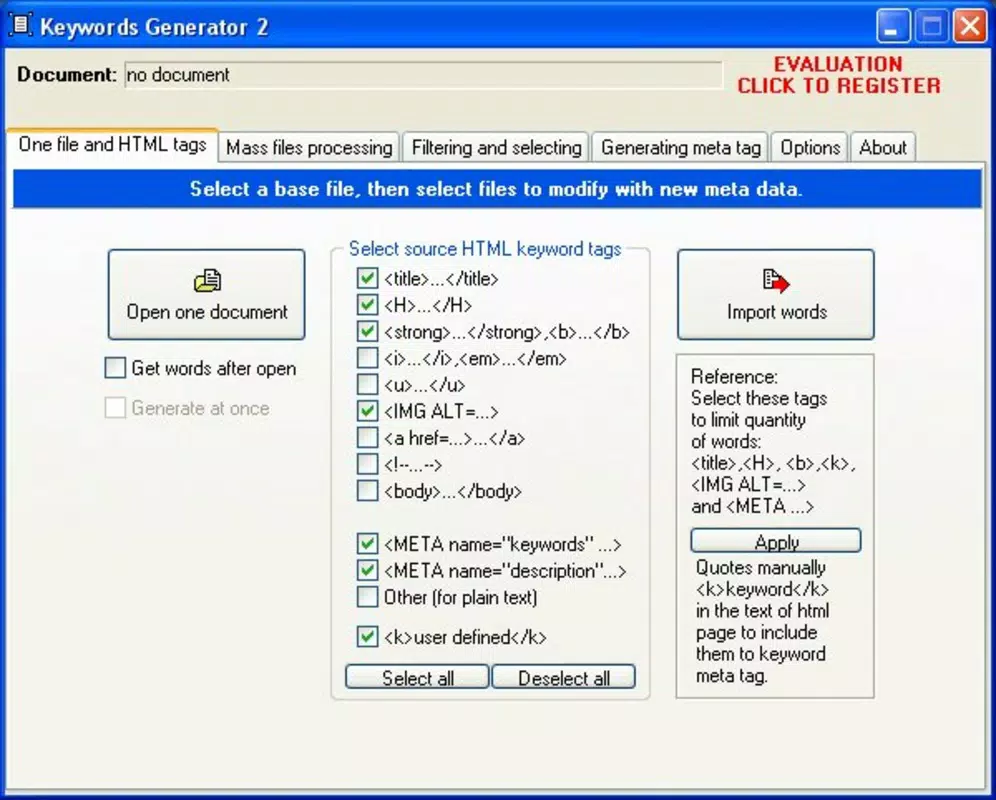
- Custom Tag Generation: Users can select the type of HTML tag they want to create—such as meta keywords or descriptive tags—and the app generates the appropriate code. This feature simplifies integration into web pages, minimizing manual coding errors.
- Enhanced SEO Performance: By identifying high-value keywords, the app helps improve a website’s ranking potential. Optimized content is more likely to attract organic traffic, increasing engagement and conversion opportunities.
- Time-Saving Tool: Instead of researching keywords manually, users can rely on the app to deliver targeted suggestions quickly. This efficiency supports faster content turnaround and more agile digital marketing strategies.
For example, a blogger writing about “sustainable gardening” can input their draft into the app, which then returns relevant keywords like “eco-friendly soil,” “organic composting,” and “low-water plants.” These terms can be used directly in meta tags or content, enhancing discoverability. Similarly, an e-commerce manager can use the tool to optimize product descriptions for better search visibility.
Interface, UX & Performance
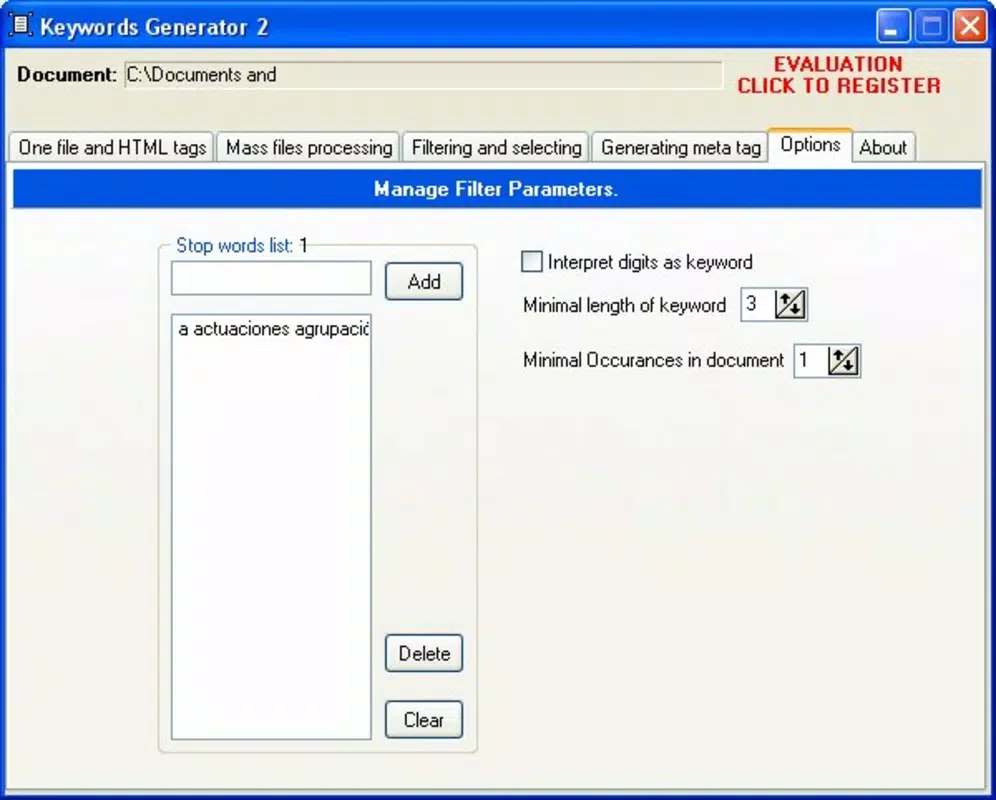
The user interface of Keywords Generator is structured to prioritize clarity and functionality. The layout appears minimalistic, with a central text input area and a clearly labeled results panel. Navigation is straightforward, allowing users to input content, initiate analysis, and view keyword outputs with just a few taps. The visual style aligns with standard productivity apps, using clean fonts and intuitive icons to guide the user through each step.
Although the developer did not list formal performance metrics, the app appears responsive across various device categories. Users can expect smooth interaction during text input and analysis, with minimal lag during processing. The app maintains stability during repeated use, ensuring consistent results without crashes or freezes. The design supports both portrait and landscape orientations, offering flexibility for different usage scenarios.
Performance on older devices may vary, but no specific limitations were disclosed. The app’s lightweight nature suggests it functions efficiently even on devices with moderate hardware specifications. Overall, the UX is optimized for speed and ease of use, making it suitable for both casual and frequent users. The absence of complex settings or distractions reinforces its focus on core functionality.
Platform Compatibility & Technical Requirements
Keywords Generator is available on Android and iOS platforms. The app supports the latest versions of both operating systems, ensuring compatibility with modern smartphones and tablets. The current software version is not specified, but users can expect updates to maintain performance and security. The file size is listed as 15.3 MB, which indicates a lightweight installation that does not consume significant storage space.
The developer did not specify minimum OS requirements or device compatibility details. As such, users should ensure their devices meet the standard requirements for running modern mobile applications. No additional permissions were mentioned in the provided information. The app’s size suggests it is optimized for fast downloads and efficient operation, making it accessible even on slower networks.
Pros and Cons
- Streamlines keyword selection for SEO content
- Offers automated analysis with minimal user input
- Generates ready-to-use HTML tags for quick integration
- Designed with a simple, intuitive interface
- Lightweight file size, ideal for storage-constrained devices
- Specific technical requirements were not listed
- No public information on update frequency
- Developer background not disclosed
- Performance on older devices not confirmed
- Real-world user feedback not available
FAQ
Is Keywords Generator available for both Android and iOS?
Yes, the app is designed for both Android and iOS platforms, allowing users to access its features on a wide range of smartphones and tablets.
How does the app analyze content for keywords?
Keywords Generator scans the text input by the user, identifying frequently used and contextually relevant terms. It then ranks these terms based on SEO relevance and potential search volume.
Can I use the generated keywords in my website’s HTML?
Yes, the app includes a feature that generates appropriate HTML tags, such as meta keywords or description tags, based on the selected keywords.
Is the app free to download and use?
The app’s pricing information was not provided. Users should check the app store listing for current pricing and availability.
How often are updates released for Keywords Generator?
The update schedule was not disclosed by the developer. Users are advised to enable automatic updates to ensure they receive the latest version.
Final Thoughts + CTA
Keywords Generator stands out as a focused, efficient tool for anyone involved in digital content creation or SEO management. Its ability to automate keyword analysis and generate ready-to-use tags makes it a practical addition to any content workflow. While specific technical details remain limited, the app’s consistent functionality and long-standing presence suggest reliability and usability.
It is especially beneficial for small business owners, freelance writers, and digital marketers who need quick, accurate keyword insights without the complexity of full-scale SEO platforms. The lightweight design and intuitive interface ensure it remains accessible to users of all experience levels.
For those seeking a straightforward way to enhance their website’s visibility, Keywords Generator delivers tangible value. With its time-saving features and practical output, it represents a smart investment in content optimization.
Download Keywords Generator now


